

Most useful AI applications aren’t single models. They’re chains of them: generate an image, then remove its background; write a script, then turn it into a voiceover. Developers have long stitched these steps together by hand in Python, debugging blind when something in the middle of the chain goes wrong.
Table of Contents
Why It Matters
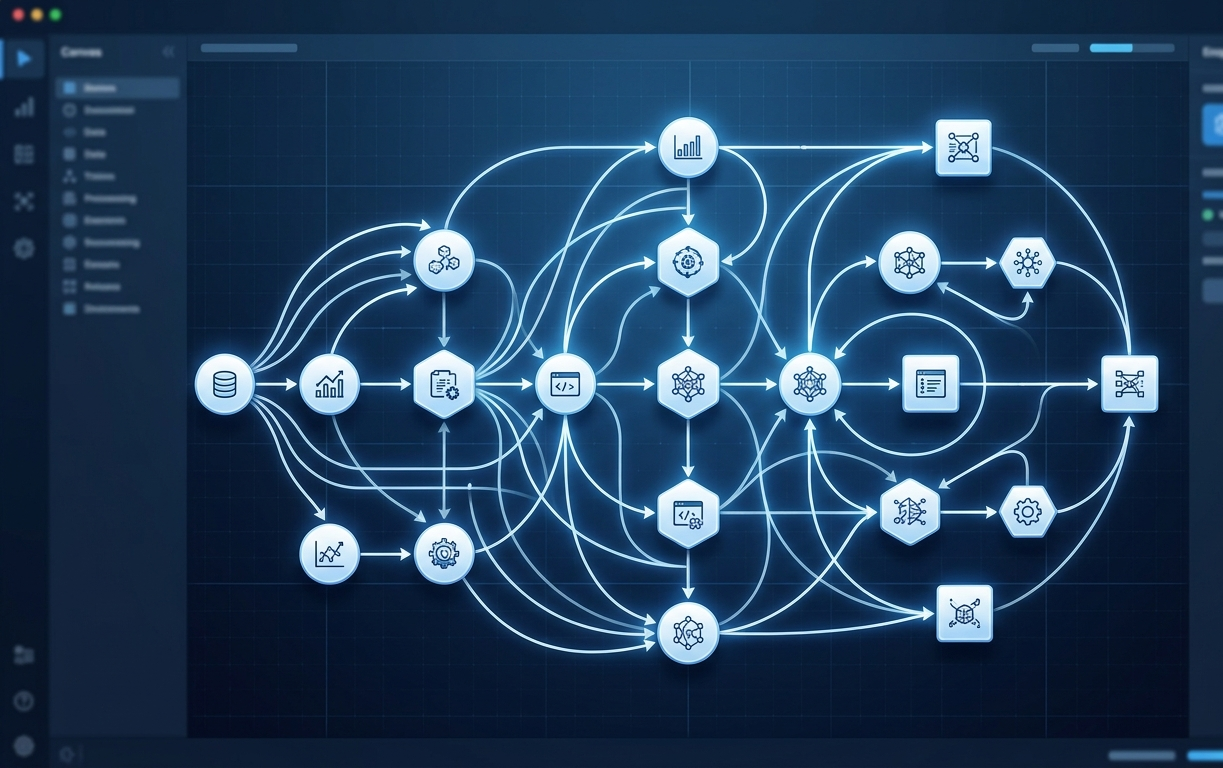
Hugging Face’s Gradio team has now built a way to see that chain instead of just writing it. On August 25, 2026, the team published a blog post introducing gr.Workflow, a visual, node-based pipeline builder shipped directly inside the core Gradio Python package. It lets developers connect Hugging Face models, other Gradio Spaces, Hub datasets, and their own Python functions on a drag-and-drop canvas — and the resulting graph is simultaneously a working app, a REST API, and a one-command deployment to Hugging Face Spaces.
The post, titled “Build Anything with gr.Workflow,” was written by Gradio contributors Abubakar Abid and Yuvraj Sharma and published at huggingface.co/blog/gradio-workflow-guide. It links directly to a fuller technical reference at gradio.app/guides/workflows, along with five live example applications anyone can open and duplicate.
What gr.Workflow Actually Is
It’s worth being precise about what shipped here, because “workflow” gets used loosely across the AI tooling world. gr.Workflow is a genuine new class built into Gradio — not a design pattern or a set of best practices for structuring existing code. Developers can bind ordinary Python functions to it directly:
python
import gradio as gr

def your_function(text: str) -> str:
    pass

gr.Workflow(bind=[your_function]).launch()
Gradio inspects each function’s type hints to automatically generate input and output ports — parameters typed as int or float become number ports, bool becomes a boolean toggle, and everything else defaults to text. For functions that return images, audio, or multiple outputs, developers can define ports explicitly in the workflow’s underlying JSON file.
That JSON file is the real architecture underneath the canvas. Every workflow is stored as a graph with three kinds of nodes: references, which hold inputs; operators, which do the work; and subjects, which hold outputs. An operator can be a bound Python function, a Hugging Face model served through Inference Providers, another Gradio Space, or a row pulled from a dataset on the Hub. Developers drag connections between typed ports, and each result appears in place as the graph runs.
From Canvas to Deployable API, Automatically
The feature’s more practical selling point may be what happens after the graph is built. A Workflow app is a standard Gradio app in every sense — it deploys to Hugging Face Spaces the same way any other Gradio app does, whether by uploading code to a Space or running it locally.
Because it’s a standard Gradio app, it also inherits Gradio’s REST API automatically. Each disconnected pipeline of operators feeding into one or more output nodes becomes its own endpoint, named after the label of its first output. A pipeline whose output is labeled “Output Image,” for instance, becomes reachable at /output_image. Any reference node that isn’t already computed becomes a parameter of that endpoint. Developers can call these endpoints with the gradio_client Python library, directly over HTTP with curl, or through the standard Gradio REST interface — with no additional code required to expose them.
Editing a workflow requires the Space to have hf_oauth enabled, so Gradio can identify its owner; the owning user or an org member with write access can then edit the canvas, while other visitors get a read-only view and can still run the pipeline under their own identity. Without OAuth enabled, the workflow stays run-only for everyone. Because edits affect what every visitor sees, the guide explicitly warns developers to keep a workflow’s write-access URL private.
Async Execution and State
Gradio’s public changelog shows the team has continued refining execution behavior around this feature, including a commit that routes synchronous server functions through a thread pool using the anyio library — evidence that some asynchronous execution handling is built in. What isn’t clear from available documentation is how session state persists across multiple runs within a single workflow graph specifically; Gradio has a general-purpose state mechanism elsewhere in the library, but its documented interaction with Workflow graphs wasn’t confirmed in the materials reviewed for this article.
Five Examples, Not Yet a Track Record
Hugging Face didn’t just describe gr.Workflow in the abstract — it shipped five working example Spaces alongside the announcement, all built to be opened, run, and duplicated as starting points:
- Image Editor Pipeline — a single node calling Qwen-Image-Edit through Inference Providers to edit a photo from a text instruction.
- AI Media Studio — one prompt fans out to a FLUX-generated sticker (background removed via a separate Space), a text-to-speech voiceover, and an LLM-written episode title.
- Generative Art Lab — one prompt produces a base image, two parallel stylistic reinterpretations, and an LLM-written title.
- Data Detective — a Hugging Face dataset ID fans out to four parallel analysis nodes via the Datasets Server API: an overview, a row preview, column statistics, and a distribution chart.
- ZeroGPU Animator — animates a still image using the LTX-Video model, run directly on the Space’s own GPU via @spaces.GPU rather than a hosted inference call.
These are genuine, runnable demonstrations — not mockups. But it’s worth being clear about what they aren’t: evidence of production-scale, third-party adoption. The feature launched the same day this article was researched, too early for independent usage data or field reports to exist.
Where gr.Workflow Fits Among the Alternatives
Gradio has typically been framed, in independent developer commentary published earlier in 2026, as the strongest option for putting a fast interface on a single model, with Streamlit positioned as the more “workflow-centric” choice for dashboards and multi-step data apps. gr.Workflow directly targets that gap.
It’s worth being clear-eyed about the comparison landscape, though: none of the independent writeups available at the time of this reporting evaluated gr.Workflow specifically, since they predate its launch.
| Tool | Primary strength | Relationship to gr.Workflow |
|---|---|---|
| Streamlit (Snowflake) | General-purpose data apps and dashboards | Historically viewed as more workflow-oriented than Gradio, but lacks Gradio’s native Hugging Face Spaces GPU access |
| LangChain / LangChain.js | Orchestration and agent logic | Typically paired with a separate frontend (e.g., Vercel AI SDK); gr.Workflow bundles orchestration and UI in one tool |
| Chainlit | Chat-first interfaces with native streaming | Its founding team stepped back from active development in 2025, per an independent report, and the project is now largely community-maintained |
| Vercel AI SDK | Frontend streaming and UI components | A frontend toolkit rather than a Python-native pipeline builder |
| Modal | Serverless GPU compute and deployment | Primarily infrastructure, not a visual orchestration or UI layer — a different category from gr.Workflow rather than a direct substitute |
Timeline of confirmed dates:
- August 19, 2026 — Gradio 6.25.0 published on PyPI, the most recent stable release preceding the announcement.
- August 24, 2026 — gradio_client 2.6.1 published on PyPI.
- August 25, 2026 — “Build Anything with gr.Workflow” published on the Hugging Face blog.
No evidence ties any single one of these releases specifically to the Workflows announcement; gr.Workflow-related code appears to have been merged gradually across many prior releases.
One documented capability gap is worth flagging directly: the officially documented operator types for gr.Workflow are limited to Python functions, Hugging Face models via Inference Providers, other Spaces, and Hub datasets. There is no named, first-class integration for external model APIs such as OpenAI’s or Anthropic’s. Because an fn node is simply Python code, a developer could call those APIs from inside a bound function — but that’s a workaround made possible by the general-purpose function node, not a documented, supported integration.
A Feature Still Being Refined
Gradio’s public commit history shows gr.Workflow has been under steady, incremental development for months rather than arriving in one release. In the weeks around the announcement, contributors merged fixes for error-banner display, trailing null-value handling, hot-reload behavior, and — notably — a warning that fires when a Space’s OAuth configuration is missing scopes the canvas needs. That last fix underscores a real operational risk the team has already had to design around: a misconfigured Space can silently limit or break the collaborative editing model gr.Workflow depends on.
One other clarification matters for anyone searching around this topic. Gradio-Lite, the WebAssembly-based version of Gradio that runs entirely in the browser via Pyodide, is confirmed unmaintained; its GitHub repository describes itself as “a frozen copy of the gradio repo… at the final release of gradio-lite.” There is no evidence it received, or will receive, gr.Workflow support. Separately, a third-party Hugging Face Space component also called “WorkflowBuilder,” built by independent developers and inspired by tools like n8n and Langflow, exists on the Hub — it is unrelated to Hugging Face’s official gr.Workflow feature and shouldn’t be confused with it.
What Remains Unclear
A handful of technical questions don’t yet have public answers. Hugging Face’s documentation does not state a specific minimum Gradio version required to use gr.Workflow. The current stable release on PyPI at the time of writing was version 6.25.0, published August 19, 2026 — six days before the blog post — but nothing ties that specific release to the Workflows announcement, and gr.Workflow-related code changes appear to have been merged gradually across many earlier releases rather than bundled into one version bump.
Session-state behavior within Workflow graphs specifically, beyond the confirmed use of background threads for synchronous functions, is not fully documented in available materials. And, as with any feature announced the same day it’s covered, there is no independent performance data, adoption figures, or field testing to draw on yet.
What This Means Now
gr.Workflow is a real, shipping addition to one of the most widely used tools in the AI prototyping world — not a roadmap promise. It gives developers a way to build, visualize, and deploy multi-step AI pipelines without leaving Gradio’s ecosystem, and it does so by leaning on infrastructure Hugging Face already controls: Inference Providers, Spaces, and the Hub.
Whether it becomes a serious alternative to dedicated orchestration frameworks, rather than a convenient way to dress up Gradio pipelines that were already possible with more code, will depend on things that can’t be assessed yet: how developers actually use it, whether the thin documentation around versioning and non-Hugging-Face model integration fills in, and whether the promised follow-up post — which Hugging Face says will walk through rebuilding the popular Stable Diffusion interface AUTOMATIC1111 using gr.Workflow — delivers on that premise. For now, the safest reading is a narrow one: Hugging Face has given Gradio users a native way to build pipelines instead of scripts, and the rest is still unfolding.
Frequently Asked Questions
What is gr.Workflow in Gradio? It’s a built-in Gradio class that lets developers visually connect multiple steps — Python functions, Hugging Face models, other Gradio Spaces, and Hub datasets — into a single runnable, deployable pipeline, using a drag-and-drop canvas rather than hand-written glue code.
Do I need a specific version of Gradio to use gr.Workflow? Hugging Face has not publicly disclosed a specific minimum version requirement. The current stable release at the time of the announcement was Gradio 6.25.0.
Can gr.Workflow connect to non-Hugging-Face models like OpenAI or Anthropic? Not as a named, documented integration. The officially supported operator types are Python functions, Hugging Face models via Inference Providers, Gradio Spaces, and Hub datasets. Because a Python-function node can contain any code, it’s technically possible to call external APIs from within one, but that isn’t a built-in, supported feature.
Is a Workflow app automatically available as an API? Yes. Every workflow exposes its output pipelines as REST endpoints automatically, named after each pipeline’s first output. These can be called through Gradio’s Python client, directly over HTTP, or through the standard Gradio REST interface, without extra code.
Does Gradio-Lite, the browser-based version of Gradio, support gr.Workflow? No. Gradio-Lite is confirmed to be unmaintained as of its final release, and there is no indication it supports or will support gr.Workflow.
How is gr.Workflow different from LangChain or Streamlit? LangChain is primarily an orchestration and logic layer typically paired with a separate frontend, while Streamlit is a general-purpose data-app framework. gr.Workflow combines pipeline logic and a visual interface in one native Gradio tool, with direct access to Hugging Face’s model-hosting and GPU infrastructure — though no independent comparison evaluating gr.Workflow directly has been published yet.
Are there ready-made templates to start from? Yes. Hugging Face published five working example Spaces alongside the announcement — covering image editing, a multi-model media studio, parallel art generation, dataset analysis, and GPU-based video animation — all designed to be duplicated and modified.