

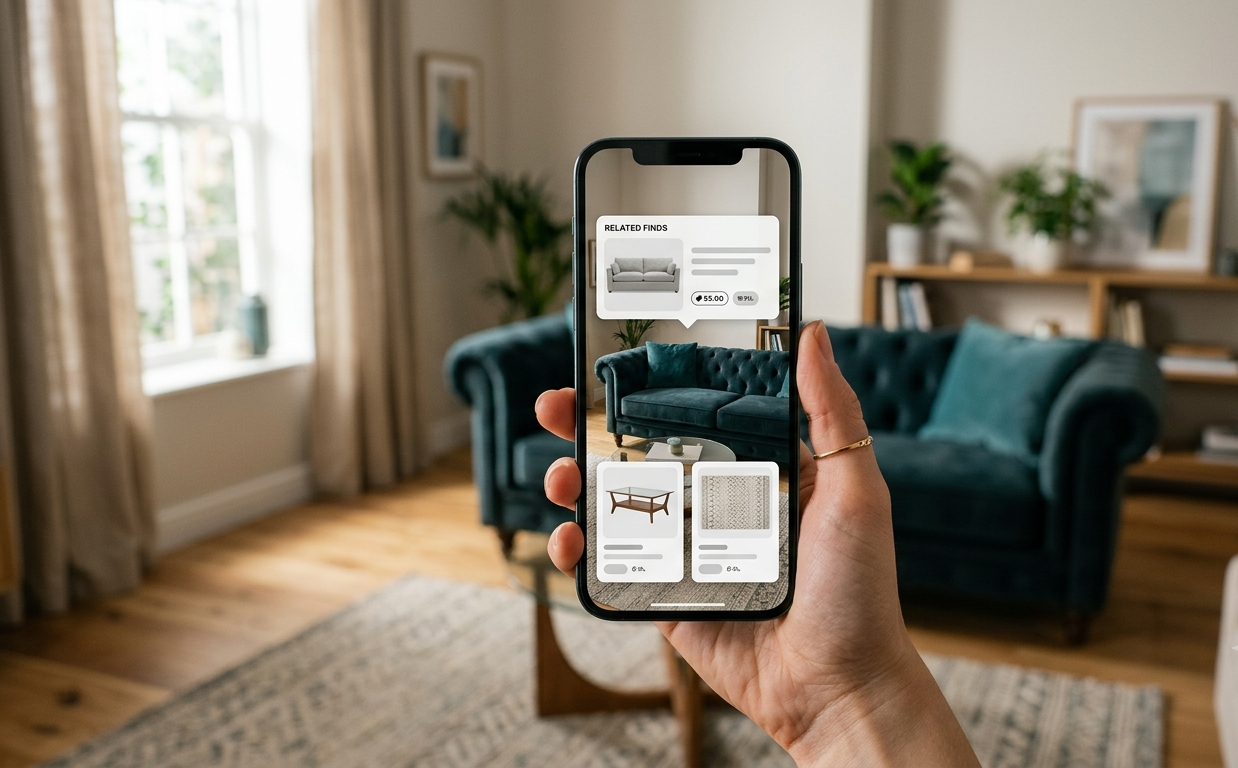
Google wants your next couch purchase to start with a photo of your living room, not a trip to the furniture store. In a blog post published August 25, 2026, the company laid out five ways people can use tools already built into Google Search — AI Mode, Google Lens, Circle to Search, Search Live, and its price-tracking features — to plan and shop for home decor projects.
It’s worth being clear about what this is and isn’t. Nothing new was launched here. This is a features roundup: a practical guide to capabilities Google has been rolling out over the past two years, repackaged around a single, relatable use case. That makes it a useful window into how far multimodal AI search has actually reached into everyday shopping — not a product announcement.
Google says searches for “home decor inspo” are up 300% over the past month, with “bathroom inspo” and “living room inspo” both breaking out, alongside trending searches for teal and magenta paint, vintage braided rugs, and fish wallpaper. Those figures come from Google’s own internal search data, without independent verification or disclosed methodology — useful as color, not as hard evidence of a broader design trend.
Here’s what each of the five tools actually does, what it requires, and where its limits are.
Table of Contents
What Google Announced (and What It Didn’t)
The post was published on Google’s official blog under its Search and AI categories, written by a Google contributor rather than issued by Google DeepMind or framed as a research release. That distinction matters: despite covering AI-powered features, this is a consumer tips piece, not a model or product launch. No new version of Gemini, no new app, and no new hardware capability is introduced. The five tools it highlights — AI Mode, Lens, Circle to Search, Search Live, and price tracking — were all already available before the post went live.
Visualizing Furniture in Your Room with AI Mode
The first tip addresses a familiar problem: it’s hard to know if a couch will actually work in your space until it’s sitting there. Google’s fix is to let AI Mode in Search do the imagining for you. Users upload a photo of their room and can ask something like which couch style would fit a wall of a given width. From there, they can follow up with a specific request — Google’s example is asking to see “an emerald green velvet sofa” — and AI Mode generates a mockup of that item placed in the room.
It’s important to be precise about what this is. It’s a generative image mockup, not an augmented-reality placement tool. The system isn’t measuring your room in 3D or letting you walk around a virtual object — it’s generating a picture of what the item might look like based on your photo. That’s a meaningfully different (and more limited) capability than true AR furniture placement, which competitors like Wayfair and IKEA have offered for years.
What it is / What it isn’t: AI Mode’s furniture tool generates an image of an item placed in your room based on a photo you upload. It isn’t augmented reality — it doesn’t measure your space in 3D or let you view an object from different angles in real time, the way AR tools from Wayfair or IKEA do.
Identifying Vintage and Real-World Finds with Google Lens
The second tip covers a more established feature: Google Lens, accessible through the Google app on both iOS and Android. Point the camera at a vintage item you spot in person — Google flags “vintage braided rugs” and “vintage wood coffee tables” as top trending searches — and Lens returns links to similar items within your price range.
Lens has been Google’s core visual-identification tool for years, and independent, informal comparisons of visual-search apps generally rank it as strong at identifying exact or near-exact matches, with rivals like Pinterest Lens seen as better suited to browsing for style inspiration rather than pinpointing a specific product. That said, these comparisons come from marketing and enthusiast blogs running small, informal image tests — not controlled or peer-reviewed benchmarks — so they should be read as general impressions rather than settled accuracy data.
Discovering Decor from Social Feeds and Video with Circle to Search
The third tool, Circle to Search, lets users act on inspiration the moment they see it, without switching apps. Long-pressing the home button or navigation bar brings up a search interface that lets you circle an item — in a social media video, a webpage, or a screenshot — to search for it or ask a question about it. Google’s example is spotting fish wallpaper in a social post; the company says searches for it are up 140% over the past month.
Here’s the caveat worth flagging: Google’s own post scopes this specific gesture to “the latest Pixel and Samsung Galaxy S26 devices.” Circle to Search has expanded well beyond flagship phones since its 2024 debut — one industry report has put total device support in the hundreds of millions — but availability varies by manufacturer and model, and official device-eligibility lists have historically lagged the feature’s actual rollout. In short: don’t assume it works the same way, or at all, on every Android phone, and it isn’t available on iOS.
Getting DIY Help with Search Live
The fourth tip is aimed at people who’ve bought the decor and now have to install it. Search Live, accessed via the Live icon in the Google app, lets users ask questions out loud, conversationally, and optionally share their camera feed for visual context. Google’s example use case is installing floating shelves, which it lists as a top-trending item this year. The idea is step-by-step guidance that adapts as you go, rather than a static how-to article.
Getting the Best Price with Google’s Shopping Tools
The final tip is about timing a purchase rather than finding one. Tapping a product listing in Search brings up price comparisons across retailers, along with a price-history view that shows whether a current listing is high, low, or typical. Users who aren’t ready to buy can tap “Track price” to get an alert when the item drops into their target range. Google frames this around impulse-adjacent purchases like a funky lamp or harlequin wallpaper, both cited as breakout searches recently.
The Five Tools at a Glance
| Tool | What It Does | Where It’s Accessed | Availability |
|---|---|---|---|
| AI Mode | Generates a furniture mockup in a photo of your room | Google Search | iOS, Android, desktop |
| Google Lens | Identifies items from a photo and finds similar products | Google app | iOS, Android |
| Circle to Search | Searches or asks about anything circled on-screen | System gesture (long-press home button/nav bar) | Select Android devices, including latest Pixel and Galaxy S26 |
| Search Live | Conversational, camera-assisted step-by-step guidance | Google app | iOS, Android |
| Price Tracking | Compares prices, shows price history, sends drop alerts | Google Search product listings | iOS, Android, desktop |
How This Fits Into Google’s Broader AI Shopping Push
None of this exists in isolation. Independent reporting on Google’s 2026 shopping strategy describes a broader effort to fold Gemini-powered reasoning into search and shopping products, tied to Google’s Shopping Graph — a product database reported to contain more than 50 billion listings. That context is useful for understanding why these decor-specific features exist, but it comes from outside reporting and general product explainers, not from the home-decor post itself. Google’s article doesn’t name a specific AI model or confirm exactly which underlying system powers each feature described, so it would be inaccurate to attribute these tools to a particular version of Gemini without that being independently confirmed.
How These Tools Compare to Pinterest, Amazon, and Others
Google isn’t the only company competing for the moment someone sees a chair they like and reaches for their phone. Pinterest Lens leans into style-based discovery — showing visually similar looks rather than trying to pinpoint an exact product. Amazon’s visual search tools are built to route users toward a purchase within Amazon’s own catalog. Microsoft’s Bing Visual Search offers a general-purpose alternative, while retailers like Wayfair and IKEA have built their own AR tools — Wayfair’s “View in Room 3D” and IKEA Kreativ — that let shoppers place furniture in a scanned room, a more literal AR experience than the image-mockup approach Google describes in its AI Mode tip.
There’s no rigorous, independently conducted benchmark comparing these tools head-to-head on furniture and decor identification. What exists are informal comparisons from industry and SEO blogs, generally suggesting Google Lens performs well at exact identification while Pinterest Lens is favored for style exploration — worth noting as a general pattern, not as a verified ranking.
Limitations to Know Before You Rely on These Tools
A few practical caveats apply across all five features. Visual search accuracy depends heavily on image quality, lighting, and how tightly an item is framed in the photo — a cropped, well-lit shot of a chair will generally return better matches than a cluttered, dim one. Feature availability also isn’t uniform: Circle to Search’s specific gesture is limited to certain recent devices, even as Lens-based alternatives work more broadly across iOS and Android. No privacy, safety, or regulatory concerns specific to these features were identified in Google’s post or in independent coverage of it.
Frequently Asked Questions
Is Circle to Search available on all Android phones? No. Google describes the feature as limited to recent flagship Pixel and Galaxy S26 devices. It has expanded to many more Android phones since its 2024 launch, but exact device support varies by manufacturer and isn’t fully standardized. It is not available on iOS.
What’s the difference between Google Lens and Circle to Search for finding decor? Lens works from a photo you take or upload through the Google app, ideal for identifying an item you see in person. Circle to Search lets you act on something already on your screen — a video, social post, or webpage — by circling it directly, without leaving the app you’re in.
Can Google Search show me what furniture will actually look like in my room using AR? Not based on what’s described in this feature set. The AI Mode tool generates an image mockup of an item in your room from a photo you upload — a generative visualization, not a true augmented-reality placement tool like those offered by Wayfair or IKEA.
What AI model powers these Google Search shopping features? Google’s post doesn’t specify. Independent reporting describes Google’s broader AI Mode and shopping experiences as generally powered by Gemini and connected to its Shopping Graph product database, but no specific model version is confirmed for these particular home-decor features.
How accurate is Google Lens at identifying furniture from a photo? There’s no rigorous, independently verified accuracy data. Informal industry comparisons suggest Lens performs relatively well at exact-item identification compared with tools like Pinterest Lens, but these are based on small, informal tests rather than controlled studies.
Do I need a specific app to use these features, or does it work in a browser? Google Lens and Search Live are accessed through the Google app on iOS or Android. Circle to Search is a system-level gesture on supported Android devices. AI Mode and price tracking are available within Google Search itself.
How does Google’s price tracking for home decor purchases work? Tapping a product listing shows price comparisons across stores and a price-history view indicating whether the current price is high, low, or typical. Users can tap “Track price” to receive an alert if the price drops.
What This Means Now
Taken together, these five features describe a search engine that increasingly expects to be shown things, not just asked about them — a photo of a room, a screenshot of a wallpaper pattern, a paused video frame. That shift has been building for a couple of years, and this post is best read as a status update on how far it’s reached into a specific, everyday use case rather than a leap forward.
What’s still unclear is how well any of this performs at scale. Google’s trend statistics are self-reported without disclosed methodology, and the accuracy comparisons circulating for tools like Lens and Circle to Search come from informal testing, not controlled studies. Device support for Circle to Search also remains uneven enough that readers shouldn’t assume it works the same way — or at all — on their phone. Anyone deciding whether to lean on these tools for a real purchase should treat them as a starting point for discovery, not a substitute for double-checking fit, price, and quality themselves.